
Best DisplayPort Cable for Gaming (2026): DP40, DP80 and What to Buy
Fix flicker and missing Hz: VESA-certified DP40 and DP80 cables for 1440p 240Hz and 4K 240Hz gaming monitors.
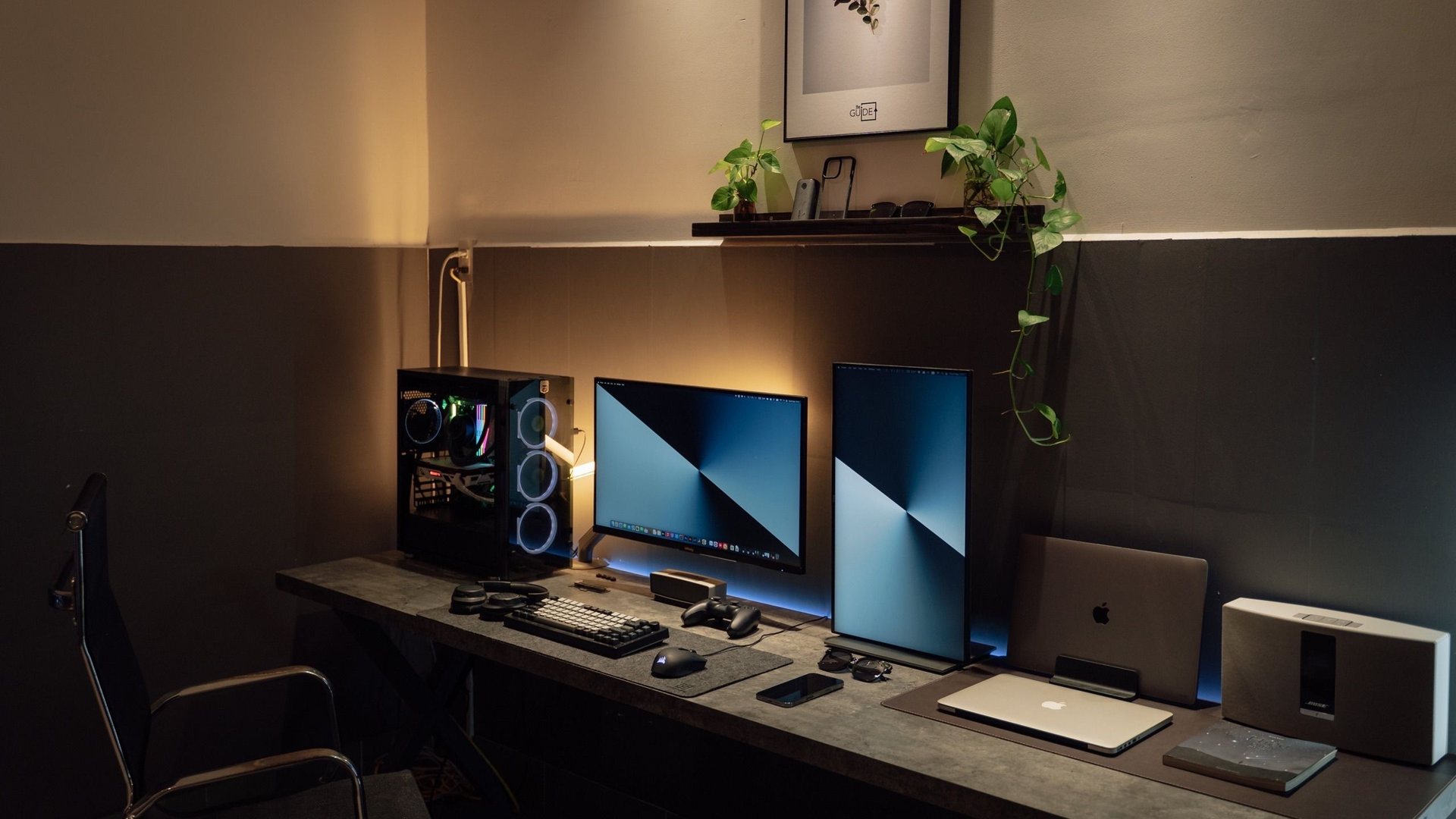 Photo by Minh Phuc on Pexels
Buy a VESA-certified DisplayPort cable, keep it short, and choose DP80 if you want the most future-proof cable for 4K 240Hz, ultrawide OLED and RTX 50-series builds. For many 1440p high-refresh monitors, a certified DP 1.4/HBR3 cable still works, but DP80 removes doubt.
Cable guidance follows VESA certification and bandwidth documentation, last reviewed 2026-08-25. A cable is not labeled 'faster FPS'; the practical checks are whether the promised resolution, refresh rate, HDR and DSC mode remain stable without blanking or flicker.
I chose the topic, scope and source list, and I am responsible for publishing corrections. Automation and AI can help with research sorting, first-draft structure and repetitive formatting. Facts, prices and claims must still trace back to the sources shown on the page. This is not labelled as a hands-on product review.
The safest buy for new premium monitors and DisplayPort 2.1-class outputs.
Often enough for 1440p high refresh and many DSC-based 4K modes.
They are the usual reason for flicker, black screens and missing refresh-rate options.
What the labels mean
DisplayPort bandwidth labels are confusing because monitor marketing talks about resolution and refresh rate, while cable certification talks about link rate. The useful shopping shortcut is simple: look for VESA certification and the DP40 or DP80 mark.
DP80 is the premium choice. It targets higher-bandwidth DisplayPort 2.1 use and is the cleaner buy if you are already spending heavily on an RTX 5080 and a 4K OLED monitor.
| Cable type | ||
|---|---|---|
| Certified DP80 | 4K 240Hz, ultrawide OLED, future monitors | Best one-cable answer for premium builds. |
| Certified DP40 | Many high-refresh gaming monitors | Good if your monitor spec does not require DP80. |
| Certified DP 1.4/HBR3 | 1440p high refresh, many DSC modes | Still useful, but check monitor manual. |
| Uncertified cable | Nothing important | Skip it for high-Hz gaming. |
Symptoms of a bad cable
- The monitor randomly goes black for one or two seconds.
Norway shopping tip
When ordering from Norwegian stores, search the exact words VESA certified, DP40 or DP80. A cable that only says 8K, gaming or ultra speed is not the same thing as certification. Also avoid unnecessary length: one to two meters is easier to run reliably than a long cable routed around the entire desk.
Norway buying shortcuts
Use these as starting searches, then compare exact model numbers, delivery and current terms before checkout.
FAQ
Do I need DP80 for 1440p 240Hz?
Usually no, but buying DP80 is still fine if the price difference is small. The key is certification and short length.
Is HDMI 2.1 better than DisplayPort for gaming monitors?
Not automatically. Use the port that your monitor manual recommends for its maximum refresh rate, VRR and color mode.
Can a cable really lower FPS?
A bad cable does not reduce GPU rendering FPS, but it can cause blanking, flicker or force a lower refresh mode, which feels like a broken setup.
Sources and methodology
I start with official specifications, independent display or hardware references, and current Norwegian retailer searches. I compare exact model numbers where possible. Prices, stock and warranty terms still need a final check at the seller.