
Best Monitor for RTX 5080 (2026): 4K OLED vs 1440p High Refresh
Pick the right screen for an RTX 5080: 32-inch 4K 240Hz OLED for cinematic games, 1440p 240Hz+ for CS2 and Valorant, or ultrawide. Norway buying checklist included.
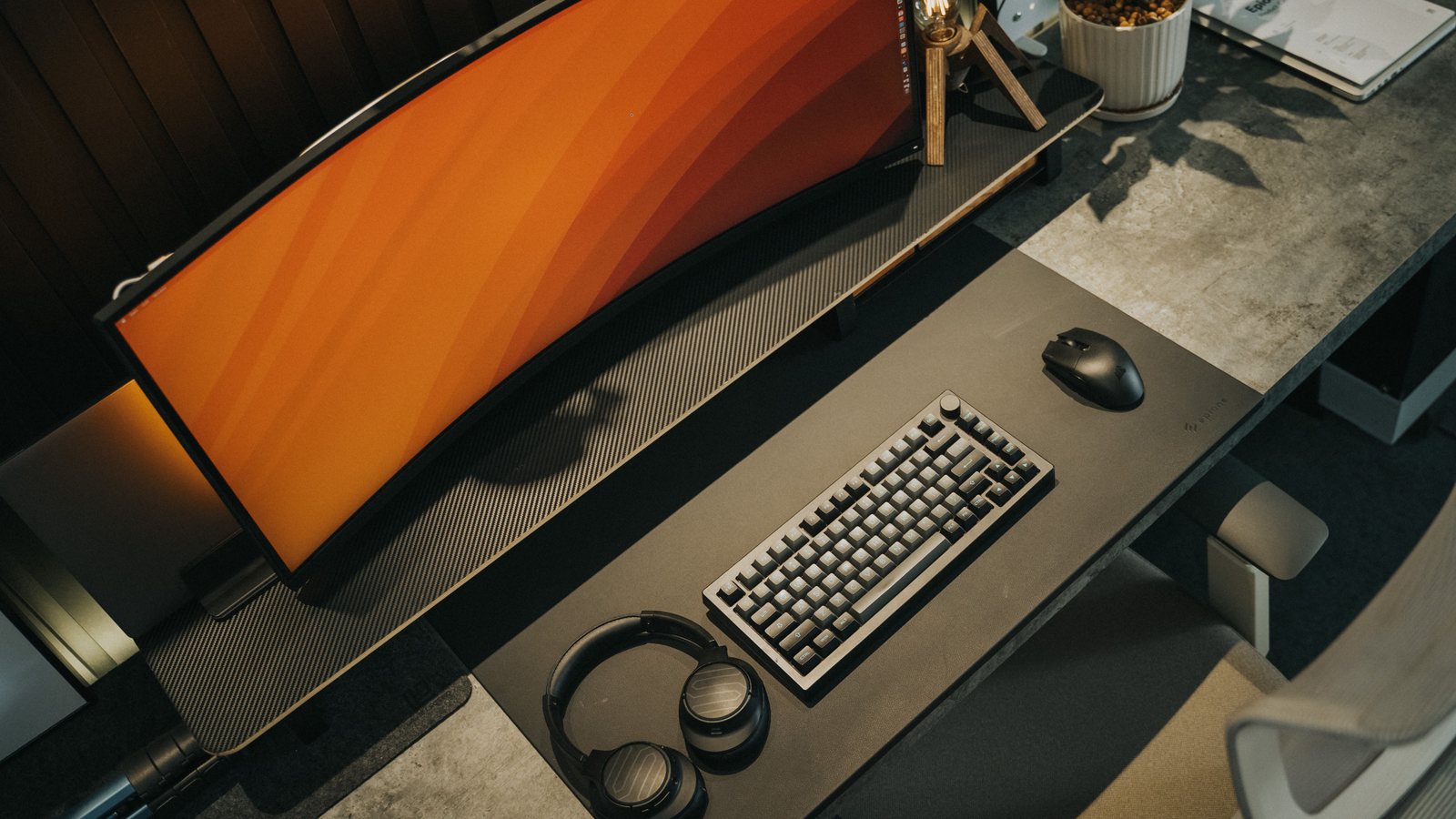 Photo by Minh Phuc on Pexels
For most RTX 5080 owners, the best monitor is a 32-inch 4K 240Hz OLED if you play cinematic games and want the GPU to feel premium. Choose 27-inch 1440p 240Hz to 360Hz if you mainly play competitive shooters, or a 34-inch ultrawide OLED if immersion matters more than esports clarity.
Recommendations cross-check official NVIDIA RTX 50-series guidance, DisplayPort bandwidth rules and established monitor-testing sources, last reviewed 2026-08-25. The guide explains a repeatable CapFrameX test method, but it does not present unpublished in-house RTX 5080 FPS numbers. Live Norway prices are checked through retailer and Prisjakt links instead of being invented here.
I chose the topic, scope and source list, and I am responsible for publishing corrections. Automation and AI can help with research sorting, first-draft structure and repetitive formatting. Facts, prices and claims must still trace back to the sources shown on the page. This is not labelled as a hands-on product review.
The strongest match for an RTX 5080 if you want sharpness, HDR and high refresh in one screen.
Easier to drive at very high FPS and more comfortable for focused aim.
Great for racing, RPGs and open-world games, but check game support and desk depth.
A sensible buy if GPU money already ate the budget.
The rule that saves money
Do not buy by resolution alone. Buy by the games you actually play. The RTX 5080 is powerful enough to make 4K attractive, but fast multiplayer still rewards simpler frames, lower latency and less visual clutter.
If your library is mostly Cyberpunk, Alan Wake, racing games and single-player RPGs, start with 4K OLED. If it is Battlefield, Counter-Strike, Valorant, Fortnite or Apex, start with 1440p high refresh and spend the saved money on a better mouse, chair or headset.
OLED versus IPS
OLED is the premium pick because response times, blacks and HDR make high-end PC gaming feel immediately better. It is also expensive and needs basic burn-in care. Modern OLED monitors usually include pixel refresh, panel care reminders and warranty terms, but static desktop use still matters.
IPS is still a strong value choice. It avoids OLED anxiety, costs less in Norway during sales, and can be excellent for people who work on the same monitor all day.
| Panel | ||
|---|---|---|
| 4K OLED | HDR, cinematic games, premium RTX 5080 builds | Price, burn-in care, glossy reflections |
| 1440p OLED | Competitive gaming with excellent motion clarity | Lower desktop sharpness than 4K |
| Fast IPS | Value, work + gaming, bright rooms | Weaker contrast and HDR |
Norway buying checklist
Before buying from Komplett, Proshop or another Norwegian retailer, compare the exact model number, panel type, warranty terms and stock status. Monitor names can look almost identical while using different refresh rates or stand features.
Search for the monitor model on Prisjakt before checkout. Then check whether a bundle, open-box deal or outlet item changes the real price. For expensive OLED screens, return terms and dead-pixel policy are worth reading before the payment step.
- Prioritize 32-inch 4K 240Hz OLED for a no-regret RTX 5080 showcase build.
- Cross-check cable bandwidth with the DisplayPort cable guide and bandwidth calculator before buying a premium panel.
- Still deciding between RTX 5070 Ti and RTX 5080? Match the GPU to the monitor tier before spending on the wrong card.
Norway buying shortcuts
Use these as starting searches, then compare exact model numbers, delivery and current terms before checkout.
FAQ
Is 4K worth it with an RTX 5080?
Yes, if you play visually rich games and use DLSS when ray tracing gets heavy. For competitive shooters, 1440p high refresh is still the easier recommendation.
Should I buy OLED for gaming in 2026?
OLED is the premium gaming choice for motion clarity, contrast and HDR. Buy IPS if you need lower price, very bright desktop use or less burn-in concern.
What size is best for RTX 5080 gaming?
27-inch is ideal for 1440p competitive play. 32-inch is the sweet spot for 4K. 34-inch ultrawide is best when immersion matters more than tournament-style focus.
Sources and methodology
I start with official specifications, independent display or hardware references, and current Norwegian retailer searches. I compare exact model numbers where possible. Prices, stock and warranty terms still need a final check at the seller.