
Local vs Online AI Agents: Privacy, Power and When Each Makes Sense
Choose between local AI agents and cloud agents for work, study and automation, with setup paths for Ollama, LM Studio and major cloud assistants.
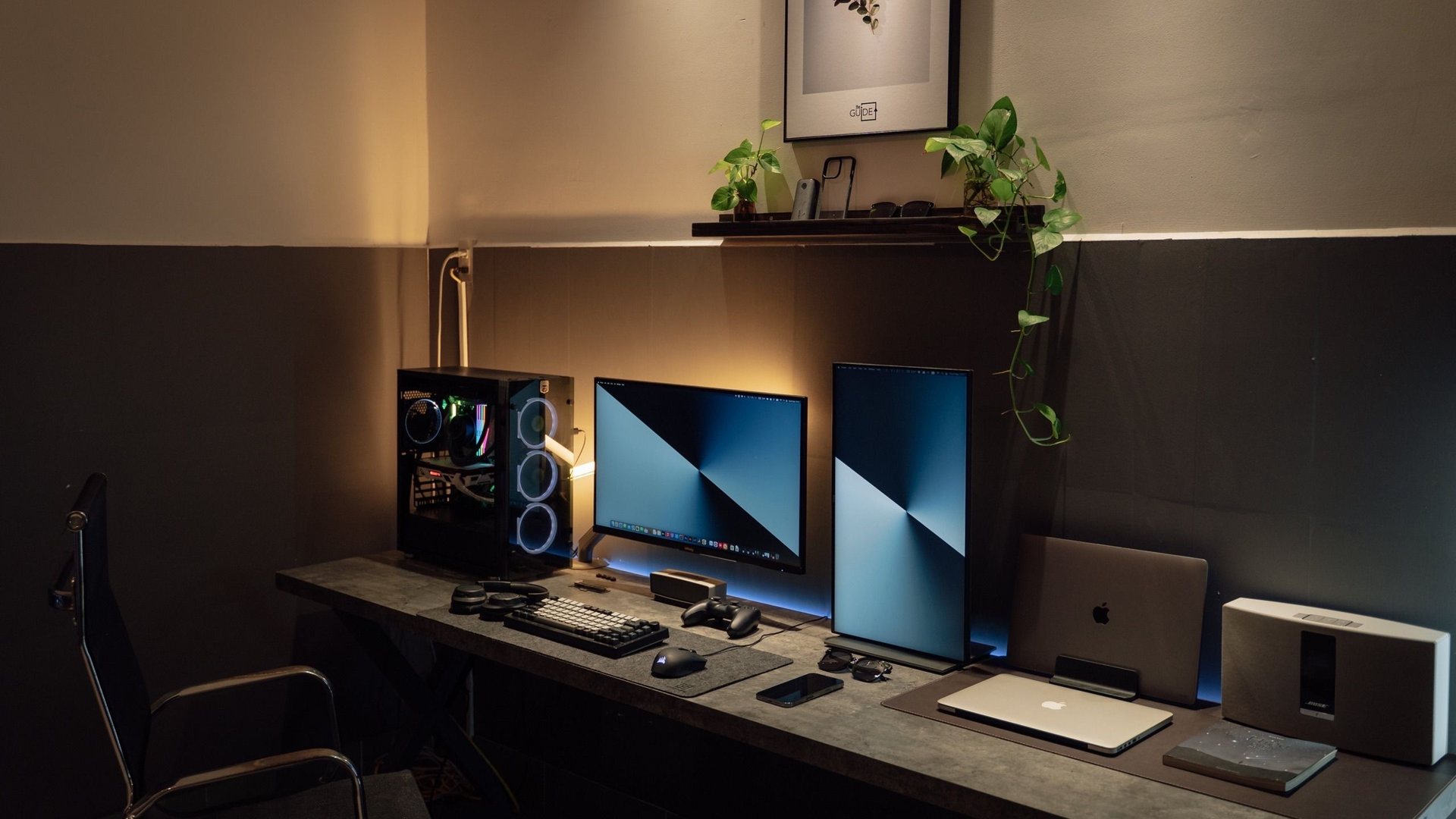 Photo by Minh Phuc on Pexels
Use local agents when prompts or files must stay on your machine and the task fits an open model you can run with enough RAM or VRAM. Use online agents when you need stronger models, live web access, Microsoft or Google integrations, or shared team workflows. Most people can start online with one assistant, then add Ollama locally for private drafting and document Q&A.
Hardware requirements and model performance vary by GPU, RAM and chosen model size. This page explains tradeoffs and links to official product sites rather than inventing speed or quality benchmarks.
I chose the topic, scope and source list, and I am responsible for publishing corrections. Automation and AI can help with research sorting, first-draft structure and repetitive formatting. Facts, prices and claims must still trace back to the sources shown on the page. This is not labelled as a hands-on product review.
Download a model once, chat in the browser, and keep prompts on your own machine.
Good when you want chat without configuring a server or Docker stack.
Better when files, mail and approvals already live in a cloud workspace.
Useful for one repeatable job with saved instructions and uploaded reference files.
What counts as an AI agent here
An agent is more than a one-off chat: it keeps instructions, can use tools or files, and is meant to repeat a workflow such as research cleanup, spec comparison, meeting follow-up or code review prep.
Local agents run on your PC or a server you control. Online agents run in a vendor cloud and connect to web search, email, documents or team accounts.
When local agents are the right call
Client, student or HR data must not leave your device or approved network.
You work offline or on a capped connection and still need drafting or document Q&A.
You want to experiment with open-weight models without per-token billing.
Your task fits summarising, rewriting, coding help or private note search rather than live web research.
- Start with Ollama if you are comfortable with a lightweight CLI or local API.
When online agents are the better tool
You need the newest flagship models, long shared projects or admin-controlled team access.
The workflow depends on Microsoft 365, Google Workspace, Slack, GitHub or other cloud integrations.
Live web research, citations or multi-app automation matter more than keeping every byte local.
Non-technical teammates must use the same assistant without installing GPU software.
Hardware reality check for local agents
Small models can run on CPU-only systems, but responses will be slower and less capable for complex reasoning or long documents.
A discrete GPU with enough VRAM makes local chat noticeably smoother for 7B–14B class models; very large models usually need more VRAM or aggressive quantisation.
If your PC is already near its limit for gaming or BIM work, run local models only when idle or use a separate machine for AI experiments.
A practical hybrid setup
Use an online agent for client-facing drafts, team workflows and web-grounded research.
Use a local agent for private notes, early brainstorming and sensitive PDFs.
Automate only after one agent proves useful manually for two weeks.
Compare current API value on the site's model ranking page if you later wire local tools into paid cloud routing.
AI guide scope
These guides link to official vendor pages and explain tradeoffs without inventing prices, benchmarks or availability. Check each product's current plan page before purchase or enabling computer-use permissions.
FAQ
Is Ollama enough for a local AI agent?
For many solo workflows, yes. Ollama runs the model locally and exposes an API you can use from Open WebUI, scripts or compatible apps. It is not a full team platform out of the box, but it is a strong private starting point.
Are online agents safe for work documents?
Only when your employer or client allows that vendor, you use the approved business account, and you understand retention and training settings. Default consumer accounts are not always suitable for confidential work.
Can I use both local and online agents?
Yes, and that is often the best setup. Keep sensitive drafting local, then move polished work into cloud tools only when integrations or stronger models are worth the tradeoff.
Sources and methodology
I link to official product pages and explain workflow tradeoffs without inventing prices, benchmark scores or rollout dates. Verify plan limits, permissions and regional availability on each vendor site before enabling agents or computer use.