
Best Minecraft Settings for PC: Vanilla, Mods and Shader Realism
Minecraft PC settings for smooth vanilla play, mod packs and shader packs without overbuying GPU hardware.
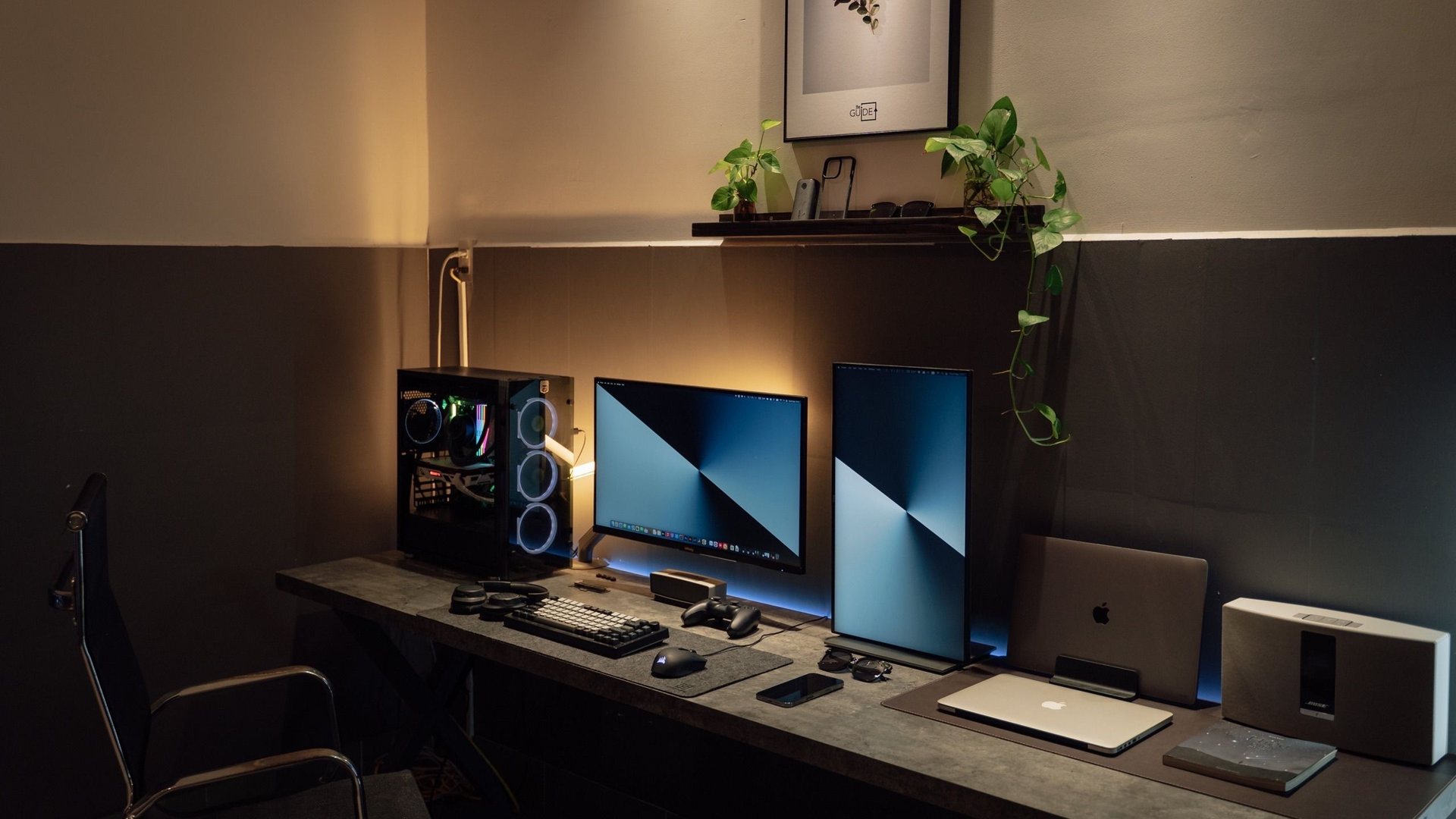 Photo by Minh Phuc on Pexels
For vanilla Minecraft, prioritize 16 GB RAM, an SSD, sensible render distance and V-Sync off on high-refresh setups. Add shaders only after vanilla performance is stable, and drop shader quality before buying a new GPU.
I chose the topic, scope and source list, and I am responsible for publishing corrections. Automation and AI can help with research sorting, first-draft structure and repetitive formatting. Facts, prices and claims must still trace back to the sources shown on the page. This is not labelled as a hands-on product review.
Fix baseline FPS before shaders or heavy mod packs.
Many lag spikes are memory or load-time problems.
Shader packs can turn a light game into a GPU stress test.
Vanilla settings checklist
- Start with render distance one notch lower than maximum.
When shaders are worth it
Shader packs are the fastest way to make Minecraft feel like a different game—and the fastest way to expose a weak GPU or insufficient RAM.
Test one shader preset, note FPS and 1% lows, then decide whether to lower shader quality or upgrade hardware.
| Setup | ||
|---|---|---|
| Family / budget PC | Smooth vanilla 1080p | RAM + SSD before GPU. |
| RTX 3060 / 4060 class | Light shaders or medium packs | Tune shader quality first. |
| RTX 5070+ class | Heavier shaders at 1440p | Still watch VRAM with large mod packs. |
Measurement habit
Walk the same base route or single-player world chunk after each settings change. Minecraft stutter often comes from world generation, mod conflict or shader compile—not only graphics sliders.
For safe command examples in single-player, see the safe cheat codes guide.
Gaming guide scope
This guide is written for players everywhere. Norway-specific retailer, warranty and price comparison advice belongs in the hardware buying guides, not in game tutorials.
FAQ
Does Minecraft need a gaming GPU?
Not for vanilla play. Heavy shader packs and large mod packs are where GPU and RAM start to matter.
How much RAM should I allocate to modded Minecraft?
Start conservative and increase only when needed. Leaving RAM for Windows and the launcher prevents unnecessary stutter.
Java or Bedrock for performance?
Bedrock is often smoother on low-end hardware; Java is more flexible for mods. Choose based on how you actually play.
Sources and methodology
I use official game documentation and patch notes first, then clearly identified community tools when they add something useful. This is source-backed guidance, not a claim that I personally tested every weapon, map or patch.