FPS and settings guides for smoother PC gaming
Quick paths for Windows 11 FPS, DLSS, Battlefield by GPU tier, popular game settings and repeatable benchmarking.
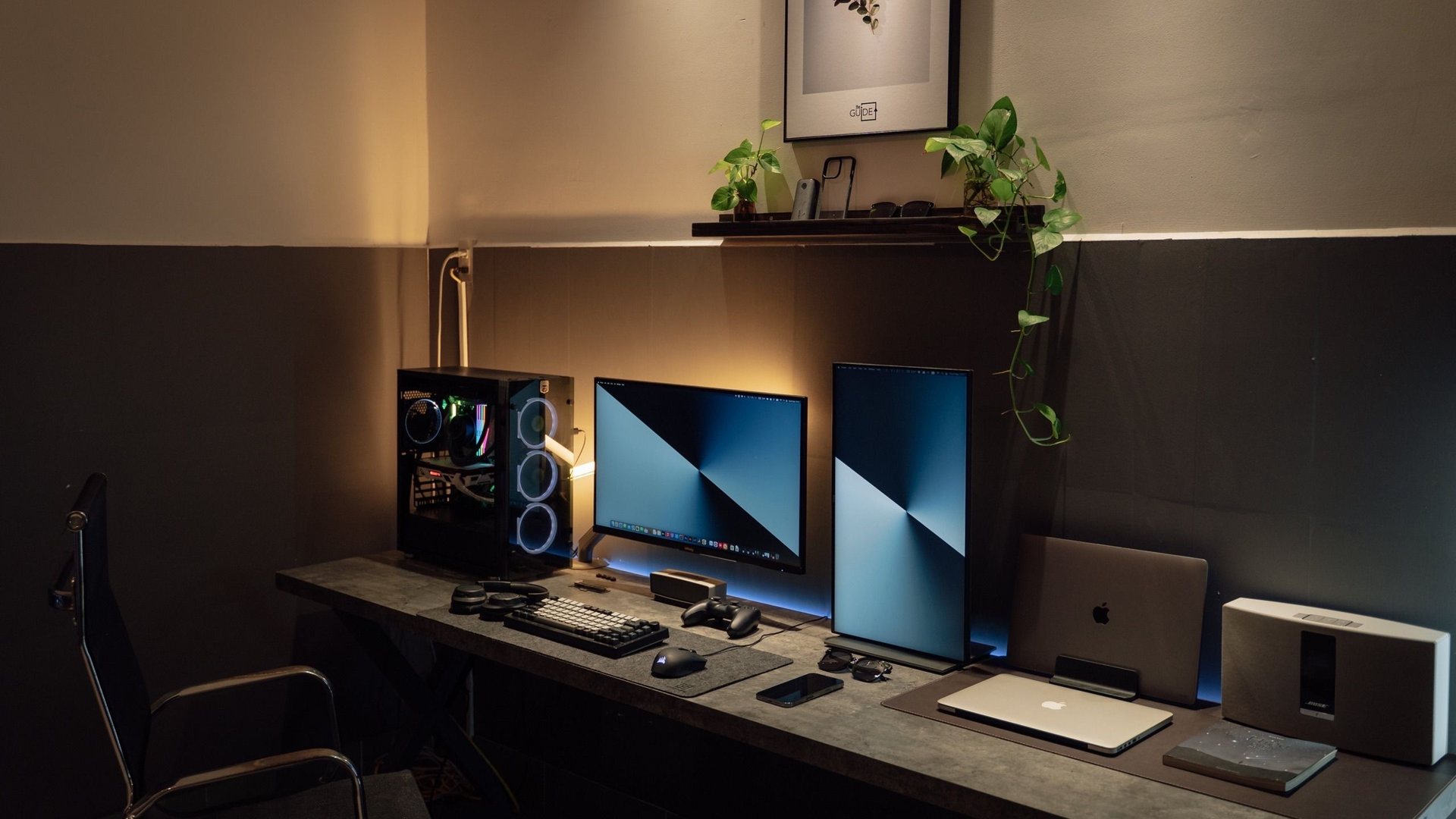
Quick paths for Windows 11 FPS, DLSS, Battlefield by GPU tier, popular game settings and repeatable benchmarking. The best path is to read the closest guide first, then use the related links to move sideways into monitors, settings, deals or game-specific tutorials.
Searches this cluster targets
Read in this order
Get More FPS in Windows 11
A safe Windows 11 FPS tuning checklist for gaming PCs: refresh rate, Game Mode, drivers, overlays, power settings and latency basics.
Open guideFortnite FPS Settings
A practical Fortnite PC settings guide for high FPS, lower input latency, cleaner visibility and common GPU tiers from budget laptops to premium rigs.
Open guideCS2 Settings PC
Counter-Strike 2 video settings for clarity, stable frame pacing and common GPU tiers from budget laptops to high-refresh rigs.
Open guideValorant Settings PC
Valorant PC video settings for clean visibility, stable high FPS and sensible presets on mainstream GPUs.
Open guideCS2 and Valorant Low Latency Setup
A practical competitive shooter setup guide for CS2 and Valorant: Windows, monitor refresh, mouse feel, FPS caps, visibility and benchmark habits.
Open guideBest GPU for 1440p Gaming 2026
A practical 1440p GPU guide for common PC gamers: RTX 3060/4060, RTX 5060/5070, Radeon RX 9060/9070, Intel Arc and premium cards.
Open guideDLSS Explained Simply
A simple explanation of DLSS for gamers: Super Resolution, DLAA, Frame Generation, Multi Frame Generation, Ray Reconstruction and when to use each mode.
Open guideBattlefield Settings by GPU Tier
Recommended Battlefield graphics, display, upscaling and latency settings for RTX 3060/4060, Radeon, Intel Arc and premium GPU players.
Open guidePopular Games Settings Hub
Start here for popular PC game settings, then open the focused guide for the game you have open right now.
Open guideMinecraft Settings PC
Minecraft PC settings for smooth vanilla play, mod packs and shader packs without overbuying GPU hardware.
Open guideRoblox Settings PC
Roblox client graphics settings for smoother play, lower latency feel and comfortable overlap with Roblox Studio learning.
Open guidePC Benchmarking Guide
A clean benchmarking routine for gaming PCs: 3DMark, Cinebench, OCCT, HWiNFO, CapFrameX, FrameView and real-game testing.
Open guide