
Use AI to compare document revisions and draft an RFI
Compare two synthetic specification excerpts, preserve uncertainty and produce an RFI draft with evidence. You can complete this exercise in an approved chat tool without MCP.
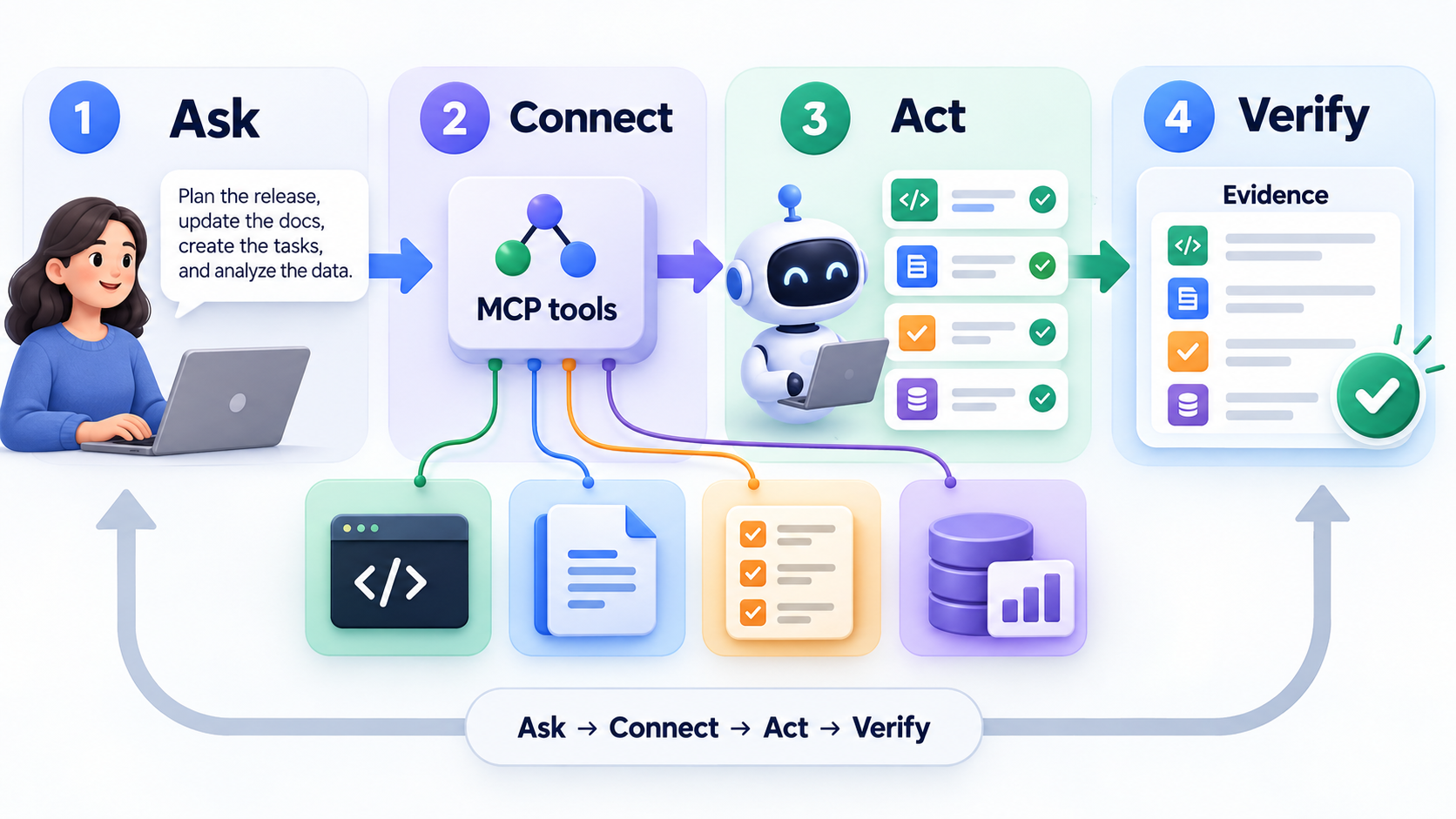 Original NordPeek editorial illustration; conceptual example, not a product screenshot
Label two document excerpts by revision and section, ask for an evidence table and keep missing facts visible. Draft the RFI only after checking the comparison, then have the project reviewer confirm wording before it is sent.
Workflow exercise only — synthetic excerpts on 2026-09-12. No MCP connection is required; do not treat the sample RFI as project advice.
I chose the topic, scope and source list, and I am responsible for publishing corrections. Automation and AI can help with research sorting, first-draft structure and repetitive formatting. Facts, prices and claims must still trace back to the sources shown on the page. This is not labelled as a hands-on product review.
Prepare the evidence
Use invented excerpts before real project documents. Label each source with its revision and section. Source A, revision 1, section 4: Submit the drawing list on Friday. Source B, revision 2, section 4: Submit the drawing list on Monday. Neither excerpt names an owner.
1. Request a comparison
Paste the two labelled excerpts and this prompt. For private work, use an organisation-approved environment and documents you have permission to process.
Compare only Source A and Source B. Return Item | Revision 1 | Revision 2 | Evidence | Open question. Preserve the exact day names. Do not infer that the later revision is approved. Keep missing owners as Unassigned.2. Check the expected result
The drawing-list submission changes from Friday to Monday, supported by section 4 in both excerpts. Owner remains Unassigned. Approval status remains unknown. If the answer assigns a date, person or contractual priority not stated in the excerpts, correct it.
3. Draft an RFI
Keep the draft in the chat or a separate file until reviewed.
Draft an RFI asking which submission day applies. Cite revision 1 section 4 and revision 2 section 4. Ask who owns the drawing list and whether revision 2 is approved. Do not claim a delay, cost impact or contractual entitlement. Do not send the RFI.4. Review before sharing
Open the source revisions, confirm identifiers and compare every quoted fact. A project reviewer decides the applicable revision and contractual wording. MCP can retrieve documents when an approved integration exists; it does not replace model checking or project sign-off.
Make the workflow reusable
Save a blank prompt with fields for source identifier, revision, section and intended output. Repeat with a second synthetic pair containing no changes: the expected result is no textual change, not an invented difference. Record corrections before trying it on work material.
AI guide scope
These guides link to official vendor pages and explain tradeoffs without inventing prices, benchmarks or availability. Check each product's current plan page before purchase or enabling computer-use permissions.
FAQ
Does this guide require a paid account?
The exercise uses synthetic data. The chosen AI client or connected service may require a plan or administrator approval; check the linked provider documentation before subscribing.
Sources and methodology
I link to official product pages and explain workflow tradeoffs without inventing prices, benchmark scores or rollout dates. Verify plan limits, permissions and regional availability on each vendor site before enabling agents or computer use.