
MCP troubleshooting: no tools, login errors and timeouts
Diagnose MCP problems in order: configuration, server startup, authentication, tool discovery and one small read. Capture the exact error before changing permissions.
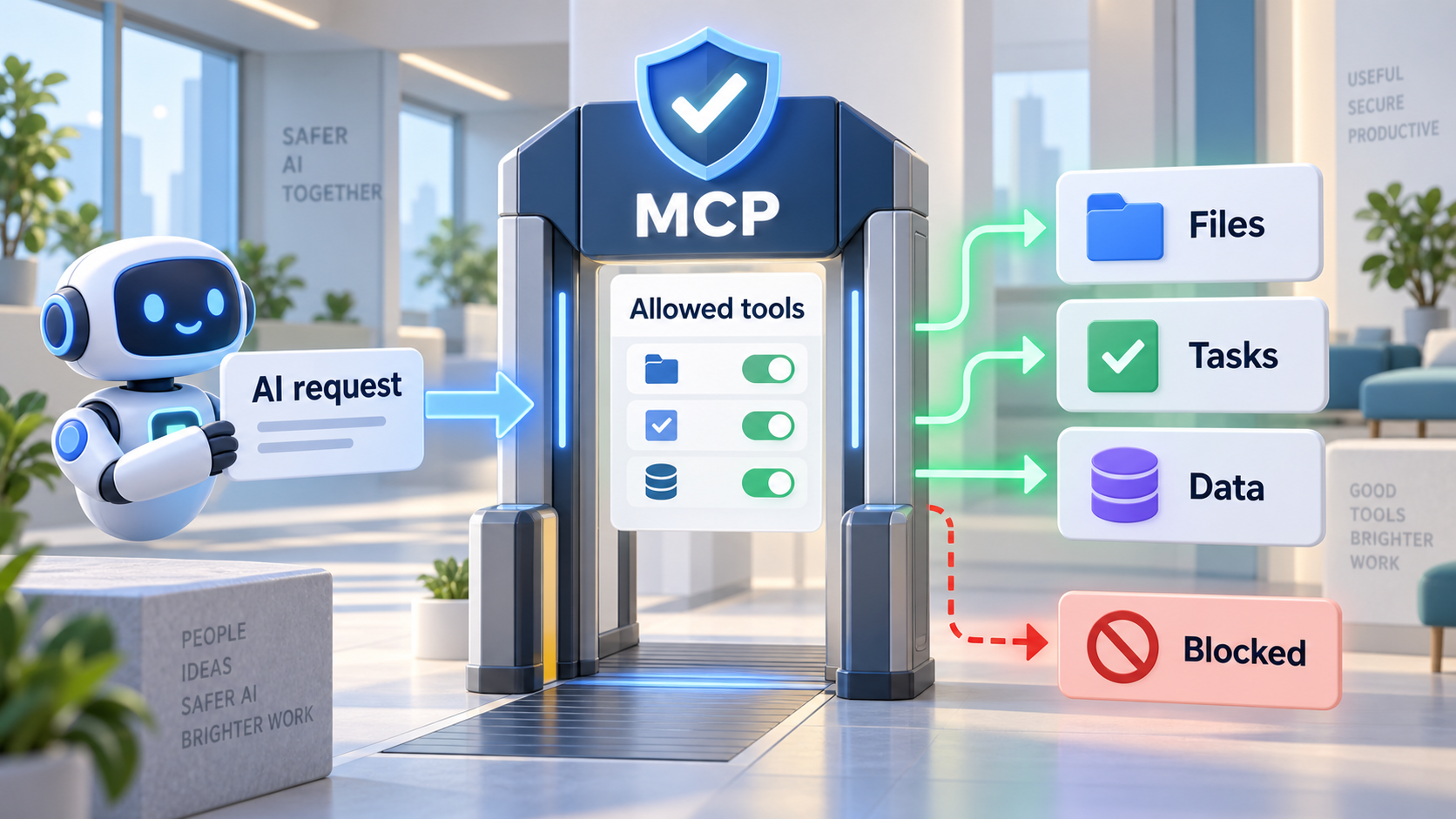 Original NordPeek editorial illustration; conceptual example, not a product screenshot
First confirm that the server appears in the correct client configuration. Then check startup, login, resource access and enabled tools. Repeat one small read after each change; do not treat a saved configuration or a model's assurance as proof.
Client troubleshooting sections from linked publisher docs reviewed on 2026-09-12. Error text varies by version; capture your exact message before changing permissions.
I chose the topic, scope and source list, and I am responsible for publishing corrections. Automation and AI can help with research sorting, first-draft structure and repetitive formatting. Facts, prices and claims must still trace back to the sources shown on the page. This is not labelled as a hands-on product review.
Collect a useful error report
Record client and version, operating system, server publisher, transport, configuration scope, time and exact error text. Redact tokens, private URLs and document contents. Keep a copy of the last working configuration.
Find the failing checkpoint
Change one thing at a time, then repeat the same tiny task.
| Symptom | Check | Next action |
|---|---|---|
| Server absent | Wrong config file or scope | Use the client's own server listing; compare its JSON or TOML format |
| Local command not found | Runtime and executable path | Check the runtime in the same environment as the client |
| 401 or repeated login | Account and expired authorisation | Reconnect through the documented login flow |
| 403 or missing document | Resource permissions and organisation policy | Verify the same resource in the provider UI |
| Connected but no tool call | Tool discovery and selected tools | Enable the required reading tool and explicitly request it |
| Timeout | Service status, proxy or large request | Try one small read; inspect server logs before increasing limits |
A browser error is not an MCP test
An MCP HTTP endpoint is not necessarily a web page. Microsoft Learn documents that opening its endpoint in a browser can return 405. Test the connection from an MCP client using the documented transport.
Separate registration from proof
Ask for one known document title and source URL. Inspect whether a tool was invoked and whether it returned the expected record. A fluent answer may come from model memory; do not use it as evidence of a working connection.
When to stop and report
If the smallest request still fails, send the redacted diagnostic record to the provider or administrator. Restore the previous configuration. Do not disable authentication, expose a local service publicly or grant broad write access just to make the error disappear.
AI guide scope
These guides link to official vendor pages and explain tradeoffs without inventing prices, benchmarks or availability. Check each product's current plan page before purchase or enabling computer-use permissions.
FAQ
Does this guide require a paid account?
The exercise uses synthetic data. The chosen AI client or connected service may require a plan or administrator approval; check the linked provider documentation before subscribing.
Sources and methodology
I link to official product pages and explain workflow tradeoffs without inventing prices, benchmark scores or rollout dates. Verify plan limits, permissions and regional availability on each vendor site before enabling agents or computer use.