
How to connect Notion MCP in Claude Code
Connect Notion's remote MCP to Claude Code and turn a synthetic page into an evidence-linked action table. Confirm access and source text before attempting a write.
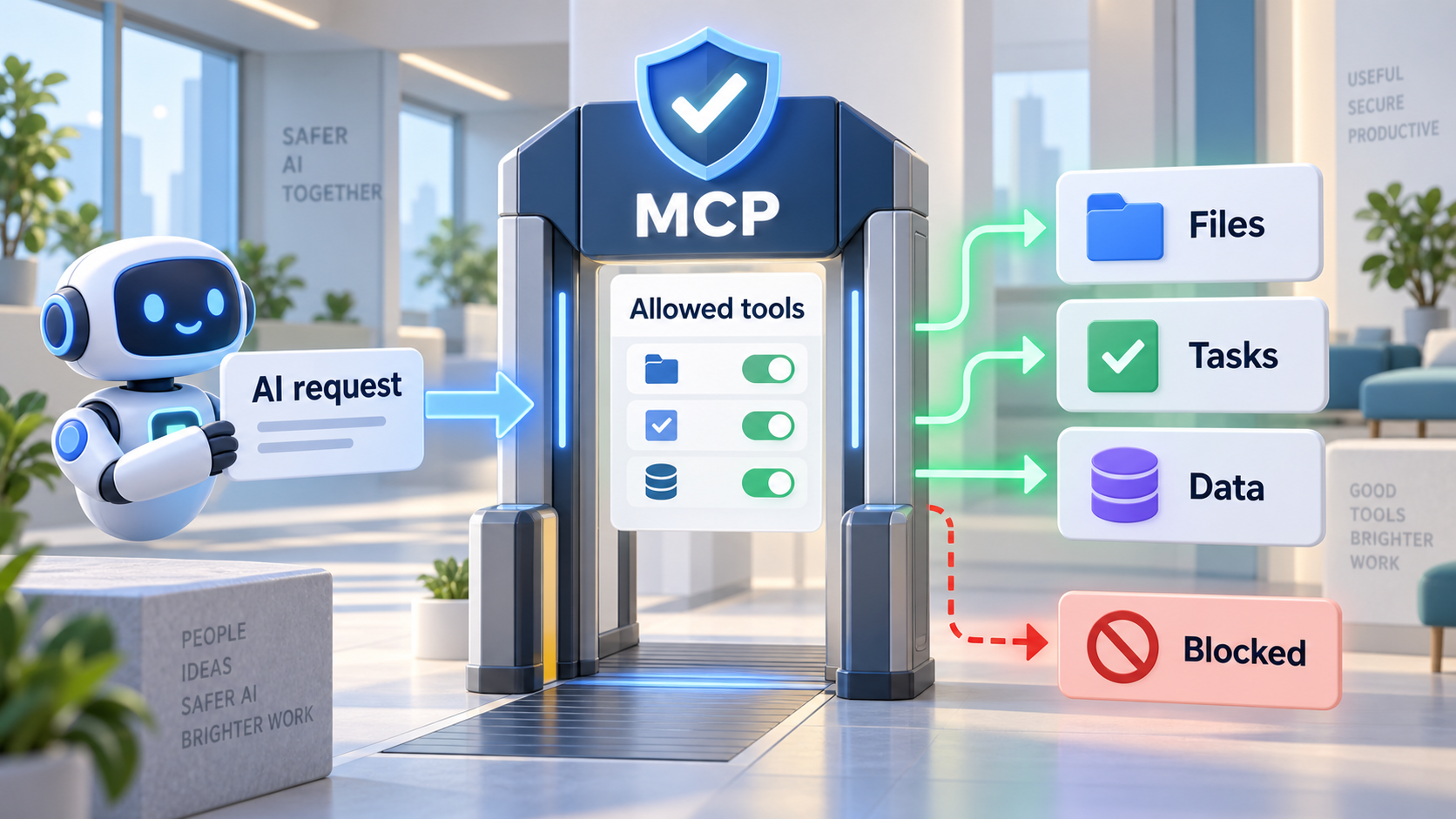 Original NordPeek editorial illustration; conceptual example, not a product screenshot
Add Notion's HTTP endpoint with claude mcp add, then use /mcp inside Claude Code to inspect and authorise the connection. Retrieve one synthetic page and compare its action table against the original text.
Claude Code and Notion MCP documentation checked on 2026-09-12. Synthetic page text in this guide is invented for practice, not exported from a live workspace.
I chose the topic, scope and source list, and I am responsible for publishing corrections. Automation and AI can help with research sorting, first-draft structure and repetitive formatting. Facts, prices and claims must still trace back to the sources shown on the page. This is not labelled as a hands-on product review.
Prepare a small test page
Have Claude Code installed and signed in, and use a Notion workspace you are allowed to connect. Create a page called MCP practice with this invented text: Maya will check the drawing list. A client reply is needed Friday. The estimate has no owner.
1. Add Notion
Run the command in a test project. This guide uses Claude Code, not the Claude web or desktop settings screens.
claude mcp add --transport http notion https://mcp.notion.com/mcp2. Complete authorisation
Start Claude Code and run /mcp to inspect the connection and complete the login flow. Check the workspace identity and requested permissions. Restrict access and writing tools where your setup supports it.
3. Read the page
Use an exact title or page URL to avoid a similarly named document. Require the page link with the output.
Use Notion MCP to read only the page MCP practice. Return Action | Owner | Deadline | Evidence, followed by the source page URL. Use Unassigned for missing facts. Do not write to Notion.4. Compare with the source
Illustrative result: Check drawing list | Maya | Unassigned. Reply to client | Unassigned | Friday. Estimate | Unassigned | Unassigned. The output must preserve those gaps. This is an example of expected reasoning, not a captured tool result.
When the page is missing
Check the active account, workspace, page permissions and whether the page is in a supported location. A successful login does not prove access to every page. Remove the server when finished and revoke its Notion connection if no longer needed.
AI guide scope
These guides link to official vendor pages and explain tradeoffs without inventing prices, benchmarks or availability. Check each product's current plan page before purchase or enabling computer-use permissions.
FAQ
Does this guide require a paid account?
The exercise uses synthetic data. The chosen AI client or connected service may require a plan or administrator approval; check the linked provider documentation before subscribing.
Sources and methodology
I link to official product pages and explain workflow tradeoffs without inventing prices, benchmark scores or rollout dates. Verify plan limits, permissions and regional availability on each vendor site before enabling agents or computer use.